Tech & Office
A Laptop Stand for the Way You Actually Work
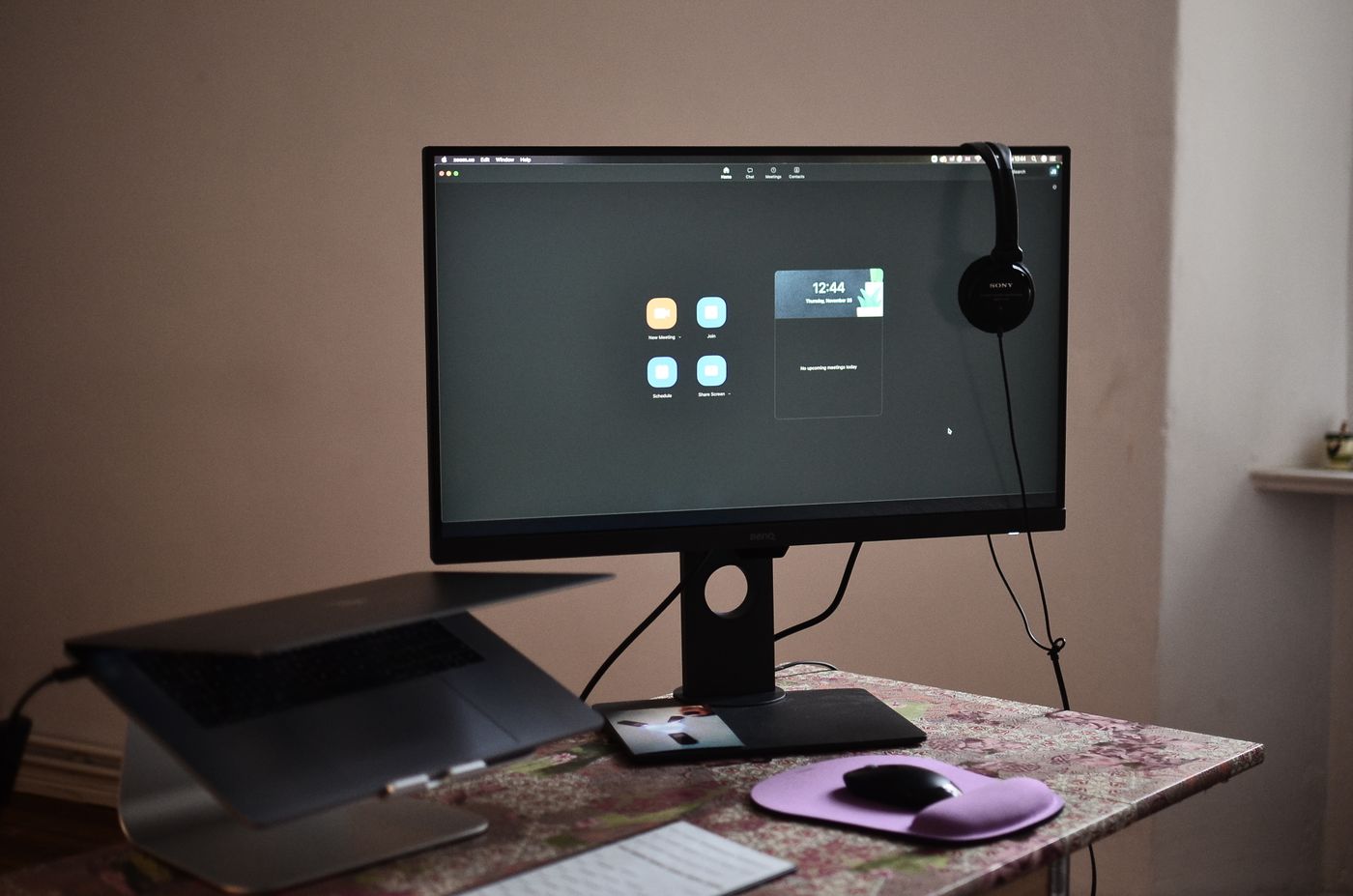
Compare fixed, adjustable and portable stands, including the extra keyboard space a raised laptop usually needs.
4 min read Buying guideBuild a calmer, more useful workspace. Clear advice on the tools you reach for every day.
10 practical buying guides
Compare fixed, adjustable and portable stands, including the extra keyboard space a raised laptop usually needs.
4 min read Buying guideA monitor arm can free useful space, but screen weight, mounting holes and desk construction decide whether it will work.
4 min read Buying guideCheck your laptop's port capabilities, display needs and power arrangement before choosing a hub by its port count.
4 min read Buying guidePut light where the work happens without filling your screen with reflections or your desk with a giant base.
4 min read Buying guideA tidy setup should make devices easier to use and maintain, not hide every connection permanently.
3 min read Buying guideChoose a keyboard by layout, sound and feel instead of assuming that one switch category is automatically an upgrade.
4 min read Buying guideChoose for concentration, calls and comfort rather than assuming every noise-canceling model does the same job.
4 min read Buying guideChoose useful capacity and compatible connections before paying for speeds your computer may not support.
4 min read Buying guideBetter framing and light can matter more than a resolution upgrade. Here is how to choose sensibly.
4 min read Buying guideChoose a comfortable shape and useful connection before shopping by sensor numbers or button count.
3 min read Buying guide